Pinterest Automation for Fashion Brands: Step-by-Step

Pinterest Automatisierung für Modemarken: Schritt für Schritt

Pinterest Automation for Fashion Brands: Step-by-Step

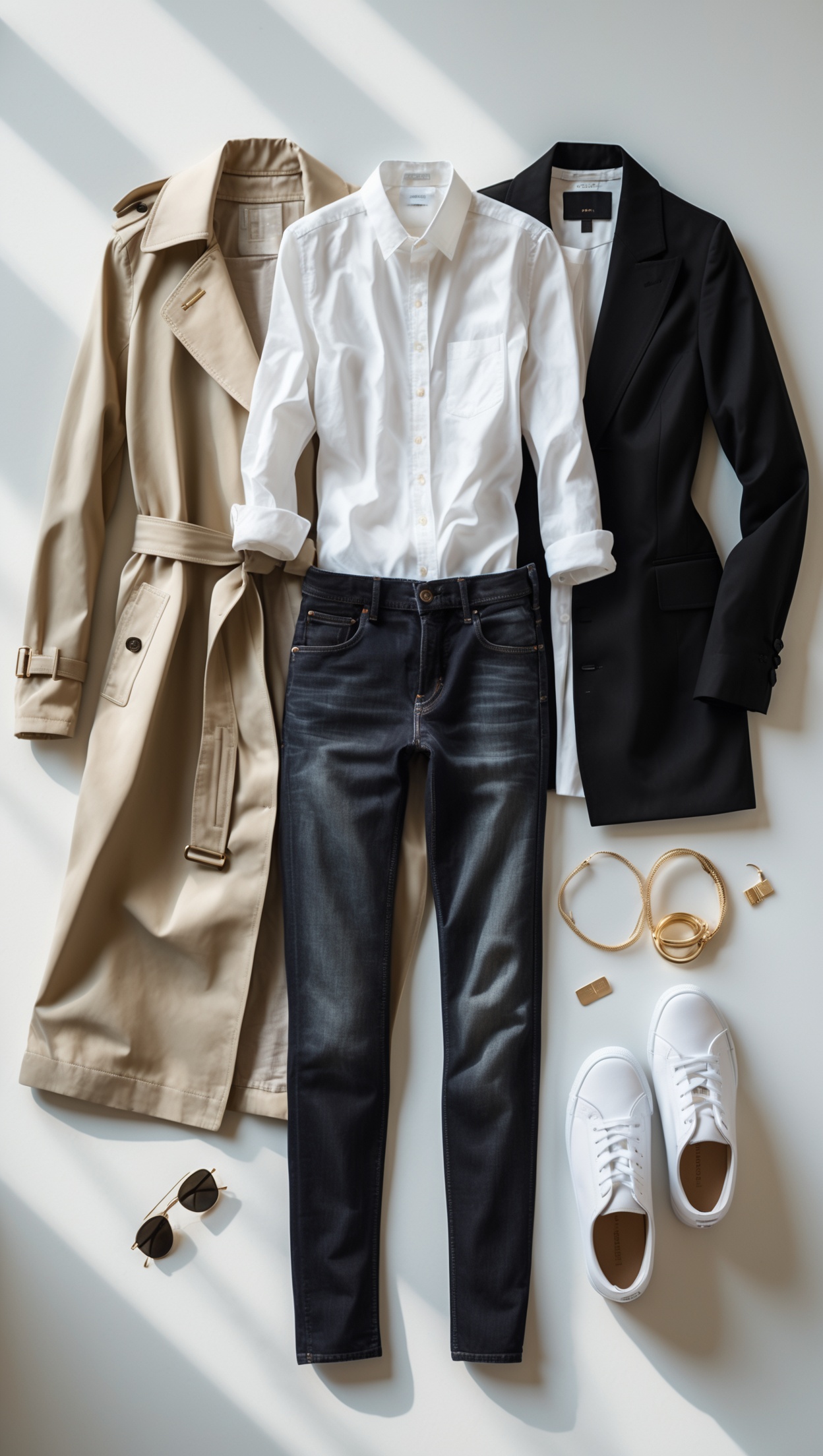
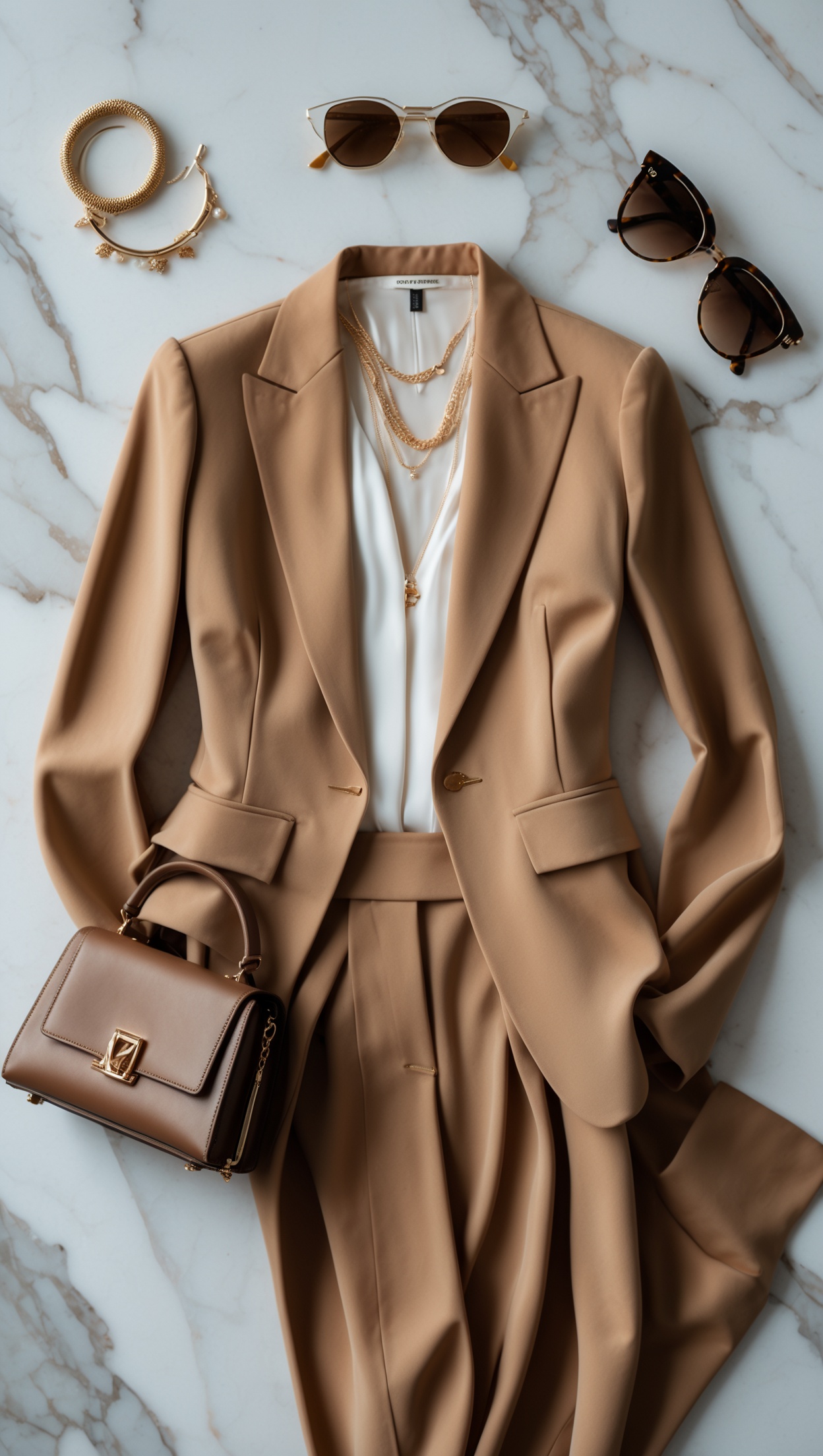
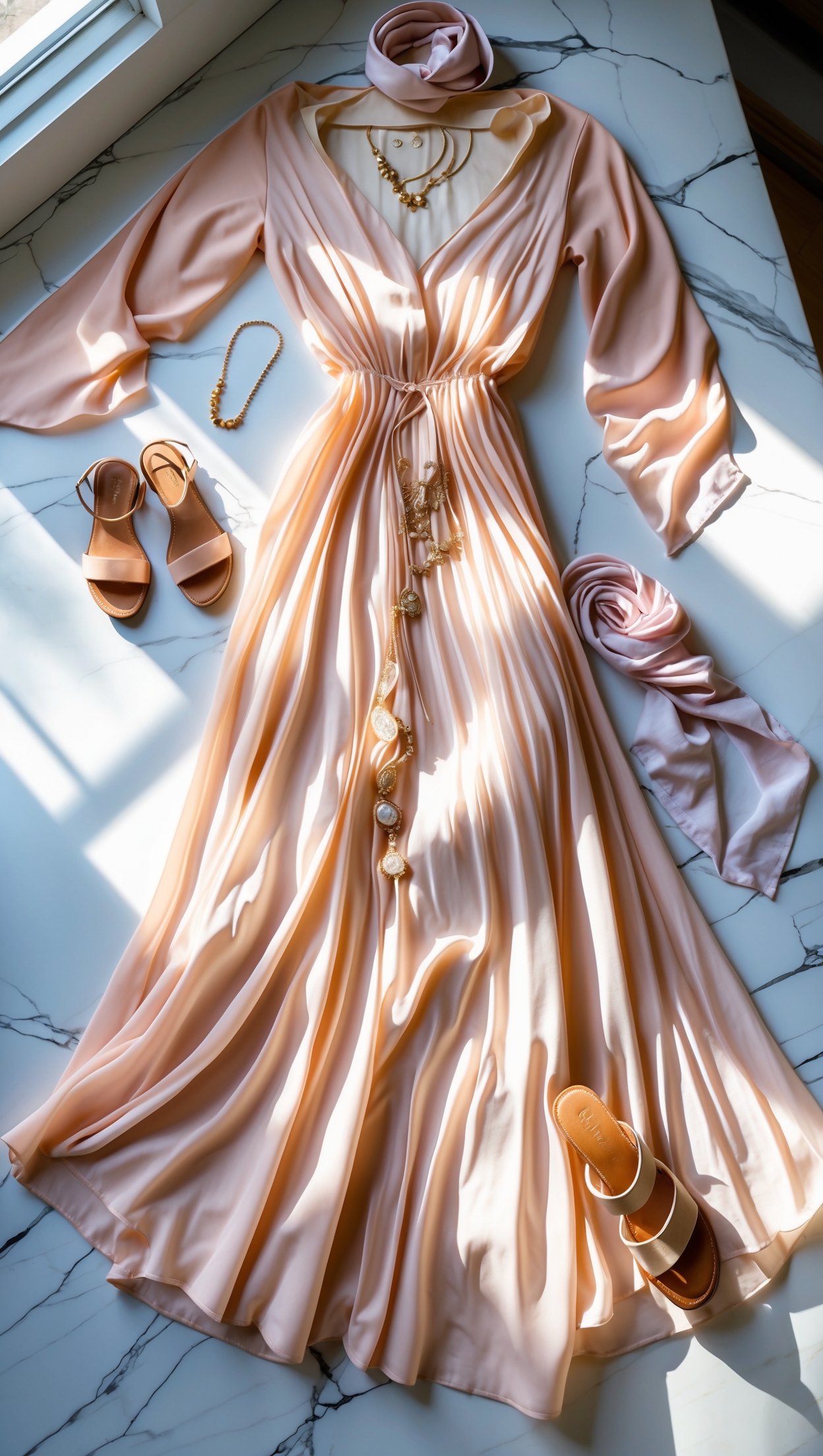
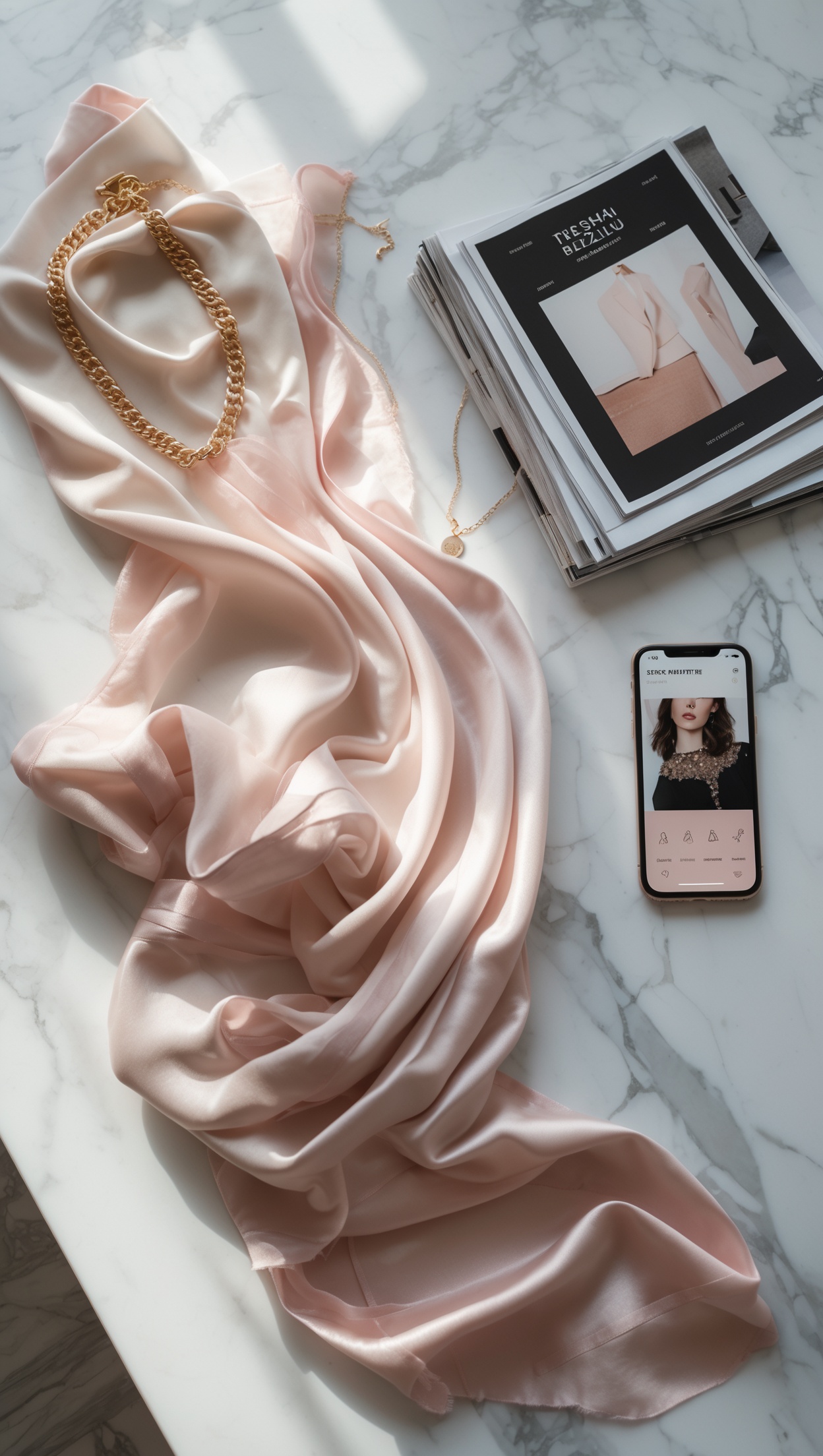
Image: AI-generated · Bild: KI-generiert

🇬🇧 English

This article contains affiliate links. If you buy through them, we may earn a commission at no extra cost to you.

Pinterest Automation for Fashion Brands: A Practical Guide

Pinterest is one of the most powerful visual search engines for fashion brands — but posting consistently by hand is time-consuming. That is where Pinterest automation comes in. With the right tools and a smart strategy, you can schedule pins in advance, maintain a steady posting rhythm and drive meaningful traffic to your store or blog without being glued to your screen every day.

If you are building a fashion brand with a strong visual identity and want to reach style-conscious shoppers, pairing your Pinterest strategy with the right product offering matters just as much as the posting schedule. Readers who love curated, high-end aesthetics often shop at places like MINOX, where you will find 50+ luxury designer brands including Acne Studios, Maison Margiela and The Row — exactly the kind of investment pieces your Pinterest audience is searching for.

Why Pinterest Is Different from Other Platforms

Unlike Instagram or TikTok, Pinterest content has a much longer lifespan. A pin you publish today can continue driving traffic for months or even years. This makes automation especially valuable: you are not just saving time today, you are building a compounding traffic asset. Pinterest users also arrive with high purchase intent — they are actively searching for ideas, outfits and products to buy.

Step 1: Set Up a Business Account and Enable Rich Pins

Before you automate anything, make sure your foundation is solid:

  • Convert to a Pinterest Business Account for access to analytics and ads.
  • Claim your website so your pins link back with authority.
  • Enable Rich Pins — these pull metadata directly from your product pages, making your pins more informative and clickable.

Step 2: Choose the Right Automation Tool

Several tools make Pinterest scheduling straightforward for fashion brands:

  • Tailwind — the most popular Pinterest-specific scheduler. It offers SmartSchedule (posting at optimal times), Tailwind Communities for reach, and an image creation tool called Tailwind Create.
  • Later — strong visual calendar, great for brands that also manage Instagram. Offers Pinterest scheduling on paid plans.
  • Buffer — simple and clean interface, good for brands just starting with scheduling.
  • Hootsuite — suits brands managing multiple platforms at once.

For most fashion brands starting out, Tailwind offers the best Pinterest-specific features and is worth the investment.

Step 3: Build a Pin Content Calendar

Automation is only as good as the content you feed into it. Plan your pin content at least two to four weeks ahead:

  • Align pins with seasonal trends — autumn layering looks, holiday gift guides, spring colour palettes.
  • Mix content types: product pins, outfit inspiration, behind-the-scenes flat lays, blog posts and lookbooks.
  • Use a consistent visual style — same filters, fonts and colour palette — so your brand is instantly recognisable on the feed.
  • Aim for 10 to 25 pins per day across your boards, with a mix of your own content and curated repins.

Step 4: Optimise Every Pin for Search

Pinterest is a search engine first. Every pin title and description should include the keywords your target audience is typing:

  • Use long-tail keywords such as "minimalist autumn outfit ideas" or "luxury knitwear for women" rather than generic terms.
  • Write pin descriptions in full sentences — not just keyword strings.
  • Add your main keyword to the board name and board description as well.
  • Use the Pinterest search bar to find autocomplete suggestions — these are real searches from real users.

Step 5: Use Board Sections and Group Boards Strategically

Organise your boards with sections to make them more useful for followers and for the algorithm:

  • Break a board like "Women's Fashion" into sections: Workwear, Casual, Evening, Accessories.
  • Join relevant group boards in your niche to extend your organic reach.
  • Keep boards focused — a tightly themed board ranks better than a broad, cluttered one.

Step 6: Analyse and Adjust Monthly

Pinterest Analytics shows you which pins are driving the most impressions, saves and outbound clicks. Review your data monthly:

  • Identify your top-performing pin formats and create more of them.
  • Check which boards are driving traffic and invest more content there.
  • Monitor audience insights to understand what your followers are interested in beyond your brand.
  • A/B test pin images and titles: even small changes to colour or wording can double a pin's performance.

Step 7: Combine Automation with Pinterest Ads

Once your organic strategy is working, consider Promoted Pins to amplify your best performers. Pinterest ads are particularly effective for fashion because users are already in a discovery and shopping mindset. You can promote your top organic pins with a small daily budget and track conversions directly.

Common Mistakes to Avoid

  • Posting too fast at the start — Pinterest can flag accounts that suddenly pin thousands of times. Build up gradually.
  • Ignoring vertical image formats — 2:3 ratio (1000×1500 px) performs best on Pinterest.
  • Using the same image for every repin — create multiple pin designs for the same URL to reach different audiences.
  • Forgetting your website link — every pin should point to a relevant page on your site, not your homepage.

Final Thoughts

Pinterest automation is not about removing creativity — it is about freeing up your time so you can focus on the creative work that actually moves your brand forward. Build your content calendar, schedule consistently with a tool like Tailwind, optimise for search and review your analytics monthly. The results compound over time in a way that few other platforms can match.

If you want to align your Pinterest content with genuinely aspirational fashion products, you can explore the full designer range via MINOX — including 50+ luxury brands such as Acne Studios, Maison Margiela and The Row — to give your audience the investment pieces they are already searching for on Pinterest.
🇩🇪 Deutsch

Dieser Artikel enthält Affiliate-Links (Werbung). Kaufst du darüber, erhalten wir ggf. eine Provision – für dich ohne Mehrkosten.

Pinterest Automatisierung für Modemarken: Der praktische Leitfaden

Pinterest ist eine der stärksten visuellen Suchmaschinen für Modemarken – aber jeden Tag manuell zu posten kostet enorm viel Zeit. Genau hier kommt Pinterest Automatisierung ins Spiel. Mit den richtigen Tools und einer durchdachten Strategie kannst du Pins im Voraus planen, einen gleichmäßigen Posting-Rhythmus halten und konstant Traffic auf deinen Shop oder Blog lenken, ohne täglich vor dem Bildschirm zu sitzen.

Wer gerade trendige Outfits und modische Basics für den Alltag auf Pinterest entdeckt, sucht oft gleichzeitig nach konkreten Kaufmöglichkeiten. Praktisch: Bei Voghion findest du Mode, Schuhe und Accessoires zu Fabrikpreisen mit 30-Tage-Rückgaberecht und Lieferung in 7 bis 14 Tagen – ideal für trendorientierte Käuferinnen und Käufer, die du mit deiner Pinterest-Strategie erreichst.

Warum Pinterest anders funktioniert als andere Plattformen

Im Gegensatz zu Instagram oder TikTok hat Pinterest-Content eine viel längere Lebensdauer. Ein Pin, den du heute veröffentlichst, kann noch Monate oder sogar Jahre später Traffic bringen. Das macht Automatisierung besonders wertvoll: Du sparst nicht nur heute Zeit, sondern baust einen wachsenden Traffic-Kanal auf. Pinterest-Nutzerinnen und -Nutzer haben außerdem eine hohe Kaufbereitschaft – sie suchen aktiv nach Inspiration, Outfits und Produkten.

Schritt 1: Business-Konto einrichten und Rich Pins aktivieren

Bevor du irgendetwas automatisierst, sorge für eine solide Basis:

  • Wechsle zu einem Pinterest Business-Konto, um Zugang zu Analytics und Werbeanzeigen zu erhalten.
  • Verknüpfe deine Website, damit deine Pins mit Autorität zurückverlinken.
  • Aktiviere Rich Pins – diese ziehen Metadaten direkt von deinen Produktseiten und machen deine Pins informativer und klickstärker.

Schritt 2: Das richtige Automatisierungs-Tool wählen

Mehrere Tools machen Pinterest-Scheduling für Modemarken einfach:

  • Tailwind – der beliebteste Pinterest-spezifische Scheduler. Er bietet SmartSchedule (Posten zur optimalen Zeit), Tailwind Communities für mehr Reichweite und ein Bildgestaltungs-Tool namens Tailwind Create.
  • Later – starker visueller Kalender, ideal für Marken, die auch Instagram bespielen. Pinterest-Scheduling auf bezahlten Tarifen verfügbar.
  • Buffer – einfache, übersichtliche Oberfläche, gut für Marken, die gerade mit Scheduling beginnen.
  • Hootsuite – geeignet für Marken, die mehrere Plattformen gleichzeitig verwalten.

Für die meisten Modemarken bietet Tailwind die besten Pinterest-spezifischen Funktionen und ist die Investition wert.

Schritt 3: Einen Pin-Content-Kalender aufbauen

Automatisierung ist nur so gut wie der Content, den du hineinpumpst. Plane deinen Pin-Content mindestens zwei bis vier Wochen im Voraus:

  • Stimme Pins auf saisonale Trends ab – Herbst-Layering-Looks, Weihnachts-Giftguides, Frühlingsfarben.
  • Mische Content-Typen: Produkt-Pins, Outfit-Inspiration, Flatlay-Fotos, Blogartikel und Lookbooks.
  • Verwende einen einheitlichen visuellen Stil – gleiche Filter, Schriften und Farbpalette – damit deine Marke im Feed sofort erkennbar ist.
  • Strebe 10 bis 25 Pins pro Tag über deine Boards an, gemischt aus eigenem Content und kuratierten Repins.

Schritt 4: Jeden Pin für die Suche optimieren

Pinterest ist in erster Linie eine Suchmaschine. Jeder Pin-Titel und jede Pin-Beschreibung sollte die Keywords enthalten, nach denen deine Zielgruppe sucht:

  • Nutze Long-Tail-Keywords wie „minimalistische Herbst-Outfit-Ideen" oder „Luxus-Strickwaren für Frauen" statt generischer Begriffe.
  • Schreibe Pin-Beschreibungen in ganzen Sätzen – nicht nur als Keyword-Listen.
  • Füge dein Hauptkeyword auch zum Board-Namen und zur Board-Beschreibung hinzu.
  • Nutze die Pinterest-Suchleiste für Autocomplete-Vorschläge – das sind echte Suchanfragen echter Nutzerinnen und Nutzer.

Schritt 5: Board-Sektionen und Gruppenboards strategisch einsetzen

Organisiere deine Boards mit Sektionen, um sie für Follower und den Algorithmus nützlicher zu machen:

  • Unterteile ein Board wie „Damenmode" in Sektionen: Business, Casual, Abendmode, Accessoires.
  • Tritt relevanten Gruppenboards in deiner Nische bei, um deine organische Reichweite zu vergrößern.
  • Halte Boards fokussiert – ein klar ausgerichtetes Board rankt besser als ein breites, unübersichtliches.

Schritt 6: Monatlich analysieren und anpassen

Pinterest Analytics zeigt dir, welche Pins die meisten Impressionen, Saves und ausgehenden Klicks erzeugen. Werte deine Daten monatlich aus:

  • Identifiziere deine stärksten Pin-Formate und erstelle mehr davon.
  • Prüfe, welche Boards Traffic bringen, und investiere dort mehr Content.
  • Beachte Zielgruppen-Insights, um zu verstehen, was deine Follower über deine Marke hinaus interessiert.
  • Teste Pin-Bilder und -Titel gegeneinander: Schon kleine Änderungen bei Farbe oder Formulierung können die Performance verdoppeln.

Schritt 7: Automatisierung mit Pinterest Ads kombinieren

Sobald deine organische Strategie funktioniert, solltest du Promoted Pins in Betracht ziehen, um deine besten Pins zu verstärken. Pinterest-Werbung ist für Mode besonders effektiv, weil Nutzerinnen und Nutzer sich bereits im Entdeckungs- und Kaufmodus befinden. Du kannst deine Top-Pins mit einem kleinen Tagesbudget bewerben und Conversions direkt tracken.

Häufige Fehler, die du vermeiden solltest

  • Zu schnell zu viele Pins am Anfang – Pinterest kann Konten markieren, die plötzlich tausende Male pinnen. Baue langsam auf.
  • Querformatige Bilder verwenden – das 2:3-Format (1000×1500 px) performt auf Pinterest am besten.
  • Dasselbe Bild für jeden Repin nutzen – erstelle mehrere Pin-Designs für dieselbe URL, um unterschiedliche Zielgruppen zu erreichen.
  • Den Website-Link vergessen – jeder Pin sollte auf eine relevante Seite deiner Website verlinken, nicht auf die Startseite.

Fazit

Pinterest Automatisierung bedeutet nicht, Kreativität zu ersetzen – sie bedeutet, Zeit freizuschaufeln, damit du dich auf die kreative Arbeit konzentrieren kannst, die deine Marke wirklich voranbringt. Erstelle deinen Content-Kalender, plane regelmäßig mit einem Tool wie Tailwind, optimiere für die Suche und werte deine Analytics monatlich aus. Die Ergebnisse wachsen mit der Zeit auf eine Art, die kaum eine andere Plattform bieten kann.

Wenn du trendige Mode für dein Pinterest-Publikum zeigen und dabei direkt einkaufbare Produkte verlinken möchtest, kannst du über Voghion aktuelle Fashion, Schuhe und Accessoires entdecken — inklusive Fabrikpreisen und 30-Tage-Rückgaberecht — und deiner Community echten Mehrwert bieten.